
The archival master stays the archival master.
Photo campaigns, condition photos, scans and documents sit in one library and are attached to the objects they belong to. Moliri also opens formats that a browser cannot normally show, without touching the original file.
You edit, mark and compare images in the image studio.
One library for all projects
A file can belong to many objects and projects and still exists only once. For each file you can see where it is used, and unused files stand out. Detaching a file from an object does not remove it from the library, and an existing file can also be attached from another project. That way the library stays tidy, even after years.
In the handbook: File library
A photo campaign in one step
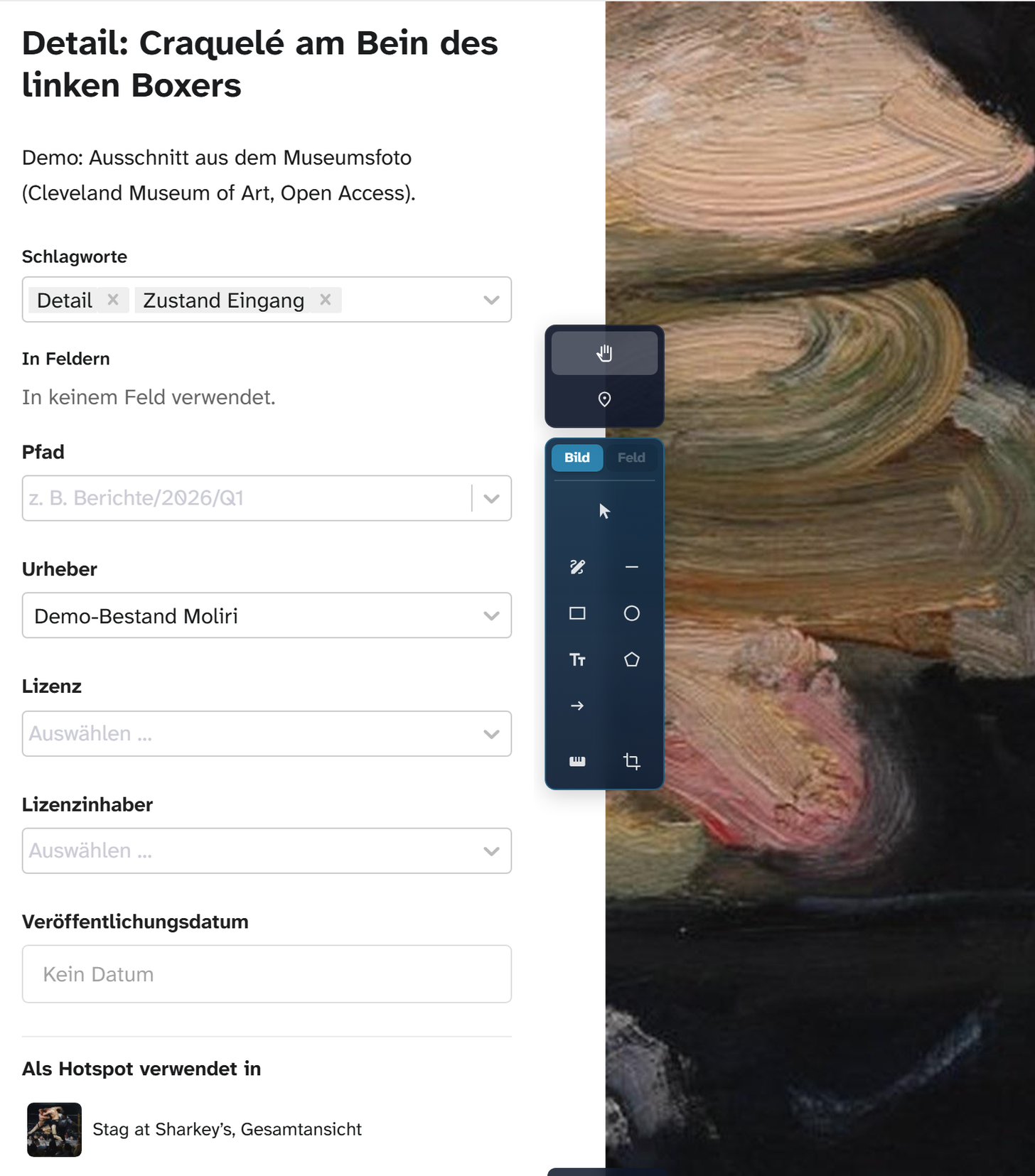
Hundreds of photos reach the right objects at once, matched by their file names. Large files upload in the background while work carries on. Moliri reads the creator, the date taken and the rights holder from the image data as it goes.
In the handbook: Uploading many files
Files where they are needed
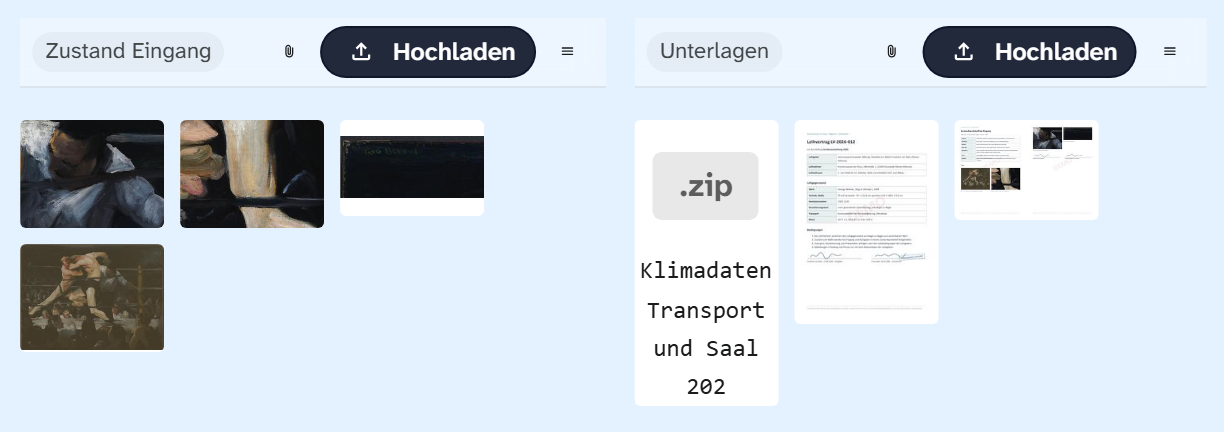
Conservators see the condition photos in their input mask, the registrar sees contracts and reports. Your institution decides which files appear where, using keywords such as “condition photo” or “main image”. The Word templates use the same keywords, for example for the photos on arrival and on return in the condition report.
In the handbook: File areas
Archival formats with deep zoom
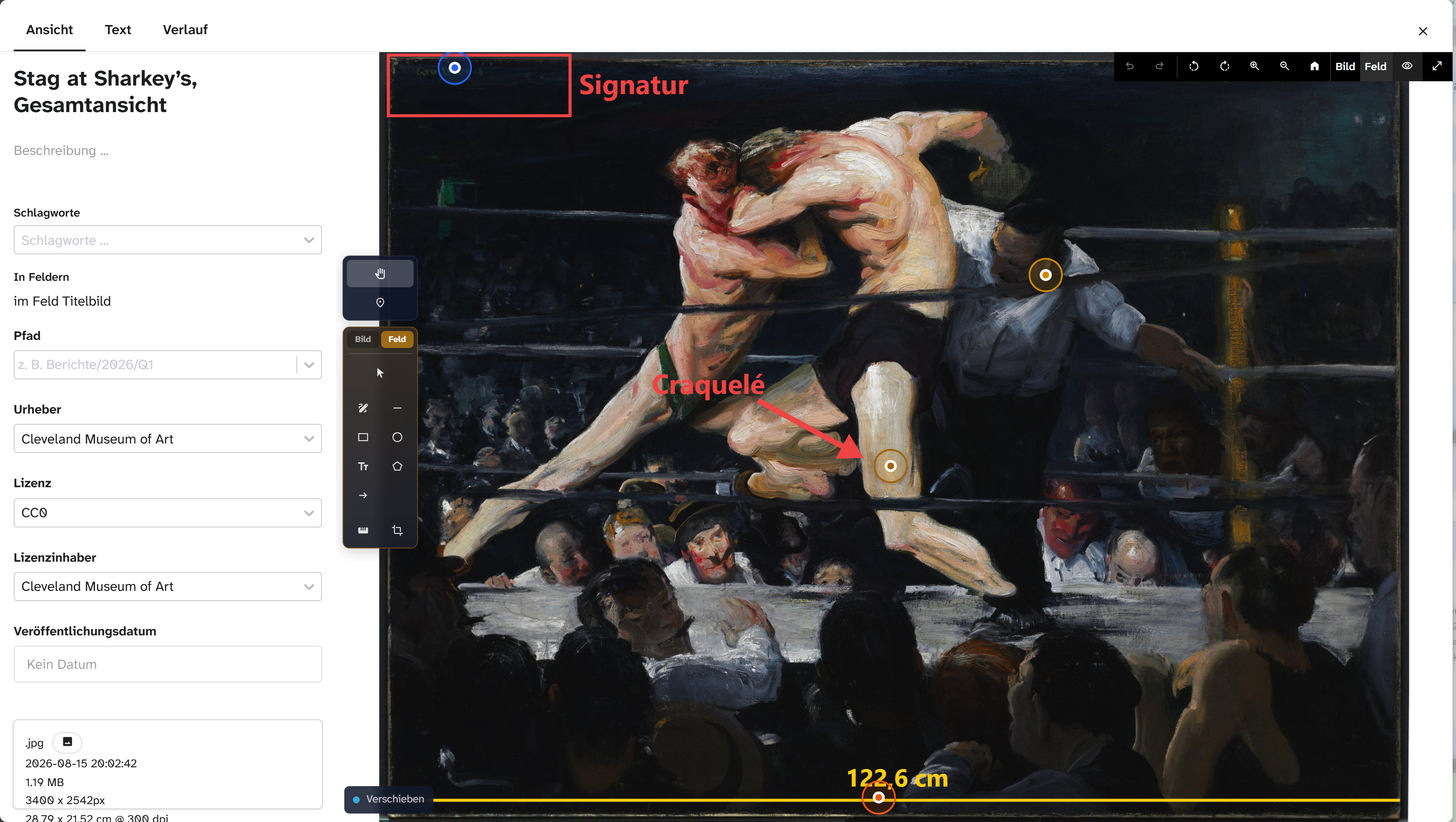
Multi-page TIFFs, PDFs, HEIC and camera raw files are usually not displayed by a browser. Moliri creates previews and zoom levels from them, and you can zoom into a large image down to the detail without loading the whole file. The original stays unchanged and still appears in the Word report and the Excel export.
Moliri recognises the text of a scan in the “Text” tab of the file window: in the browser, with the desktop app Transcribe on your computer, through the AI service or on the server.
In the handbook: Supported formats · Text recognition and transcription
Creator and rights on the file
Creator, licence and rights holder are attached to the file and apply wherever it is used. The picture credits in the catalogue come from the same details, and the image export selects images by licence, rights holder or keyword, for the press, say.
All features at a glance
- Objects
Find, organise, change
Read more - Data model
Catalogue the way your institution catalogues
Read more - Checks and data care
Keeping the data clean
Read more - Documentation and research
Documents as searchable text
Read more - Conservation
Findings belong to the object
Read more - Files
One file library for all projects
This page - Exhibitions and loans
From loan request to the finished wall
Read more - Standards and publication
Map once, deliver anywhere
Read more - Reports and export
From the database to the document
Read more - Setup and administration
Your institution carries the instance on
Read more
Bring your most difficult file
A large TIFF, raw files from object photography, a folder from your last photo campaign. In the demo we upload them, and you see what then arrives in the browser and in the Word report.