
Data model
Field configuration
The configuration of a field is a JSON object. The field type determines which keys exist. The lists are on the individual pages under Field types .
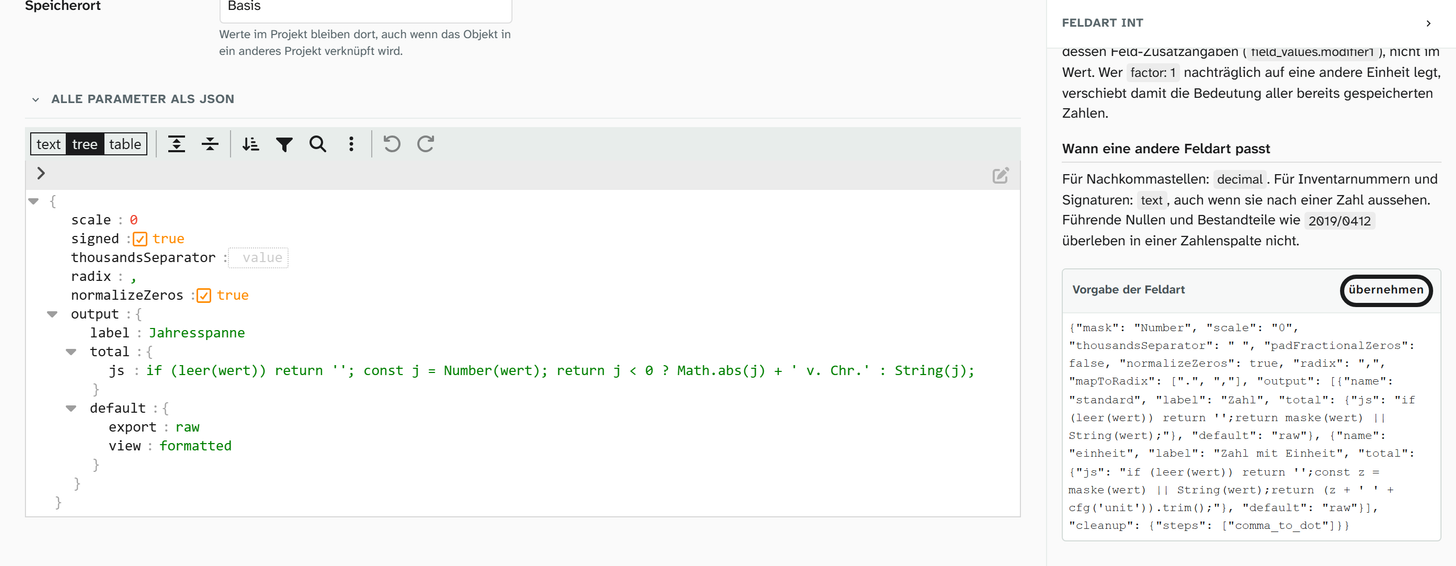
You edit it in the field details, in the Parameters section. All parameters as JSON shows the whole object in the editor.
Two levels: default and own configuration
| Level | Where it is maintained | Effect |
|---|---|---|
| Field type default | Data model › Field types, per field type | Applies to every field of this type without its own configuration |
| Own configuration | Field details, Parameters | Applies only to this field, in place of the default |
If a field has its own configuration, it takes the place of the default. Some field types fill in missing parts from the default (the number field, for example, its input mask), but you should not rely on that. If you only want to add units to a number field, first use apply to copy the default’s keys into the field’s own configuration, then make your change:
JSON{
  "units": [{ "unit": "cm", "factor": 1 }, { "unit": "m", "factor": 0.01 }],
  "default_unit": { "unit": "cm", "factor": 1 },
  "imask": { "mask": "Number", "scale": 2, "thousandsSeparator": " ", "radix": "," }
}
A change under Field types affects all fields of that type that have no configuration of their own.
Behaviour on errors
| Case | Behaviour |
|---|---|
| Invalid JSON | The editor reports an error. The configuration has no effect |
| Unknown key | Silently ignored |
| Misspelt key | Silently ignored. Looks like “has no effect” |
| Wrong value type | Usually ignored. For input masks the default applies again |
None of this makes the field unusable. A faulty configuration should not make any values unreachable. The price is that typos go unnoticed.
creatableversuscreateabledefault_unitversusdefaultUnitvaluesversusvalue
The keys are English, lower case and written with underscores (dynamic_options, path_separator). The exception is the keys of the input mask (thousandsSeparator, padFractionalZeros …): they are named as in imask.js .
If a setting has no effect, check the key name first.
Per-project override (configuration hook)
A field can be set up differently in one project. For this the configuration carries a hooks block, keyed by the project ID:
JSON{
  "values": ["a", "b", "c"],
  "creatable": true,
  "hooks": {
    "134": { "values": ["a", "x"] }
  }
}
When the field is shown or edited in project 134, Moliri lays the keys of the hook over the
base configuration and leaves out the hooks block. In all other projects the
base configuration applies. The field details show such blocks under Per-project overrides.
This overlay has the following properties:
- It is flat. Only top-level keys are replaced. A
valuesin the hook replaces thevaluesof the base configuration; it is not appended. That fits “in this project the field offers exactly these values”. - It knows nothing about field types. The hook replaces whatever is in it.
- It only takes effect when values are shown and edited. When you edit the configuration, the
hooksblock stays visible and unchanged.
The configuration hook described here changes a field’s setting per project. The value hook changes a field’s value per project, see Setting a project-specific value . Apart from the name, the two have nothing in common.
What belongs in a configuration hook
| Case | Sensible? |
|---|---|
| A project needs a shorter select list | Yes |
| A project allows no values of its own | Yes |
| A project needs a different base unit | No. The values would no longer be comparable between projects |
| A project does not need the field | No. That is what the layout is for |
| A project needs an additional field | No. Create the field and put it only on this layout |
Where the configuration takes effect
| Place | Effect |
|---|---|
| Input in the layout | Yes, including the per-project override |
| Gallery, table, kanban | Yes, through the chosen formatting |
| Excel export | Yes, through the chosen formatting and units |
| Word templates | Through the formatting, see Output formatters in templates |
| Excel import | Select and switch values are resolved against the configuration. Anything that does not match unambiguously is parked and marked to resolve |