
Field types
3D
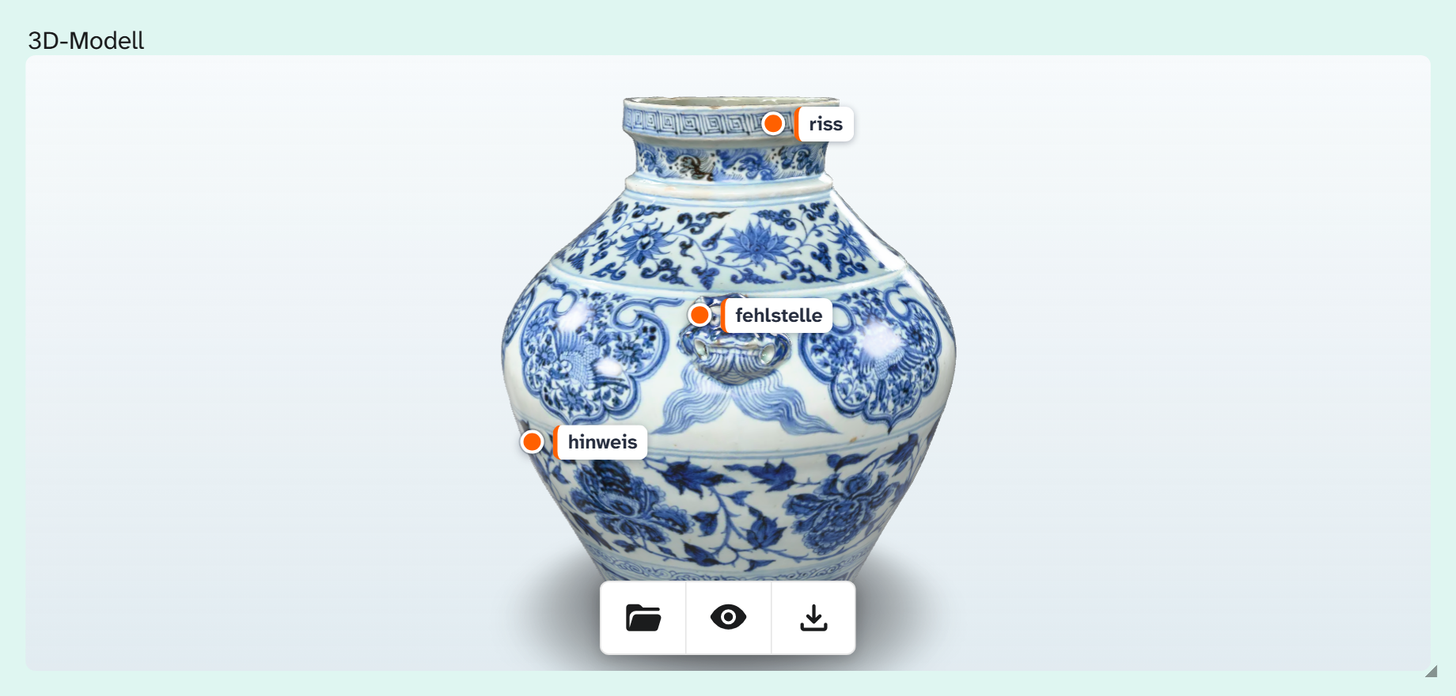
Field type 3d. A 3D model on the object that can be rotated in the field. As with file, what is stored
is the identifier of the file. Data entry from the cataloguer’s side is described under 3D .
Parameters
None. The 3D view in the file dialog (dimension chain, markers, measuring tool) cannot be set through the field.
Switching between 3D and file
3d and file store values the same way. Changing the field type under Basics leaves the values
untouched; only the display changes. A file field shows a model as a still image and opens the 3D view only
in the file dialog, while a 3D field shows the model itself in the tile.
Subfields
The same as for the image field .
Formatting
File title, preselected in the gallery, table and kanban, raw in the export. Since version 1.4.23 this field type has the formatting too. See Formatting .
Wall planner
Which field the wall planner reads for an object’s 3D model is set in the project’s view settings, not on the field. See Wall planner .