
Field types
Date
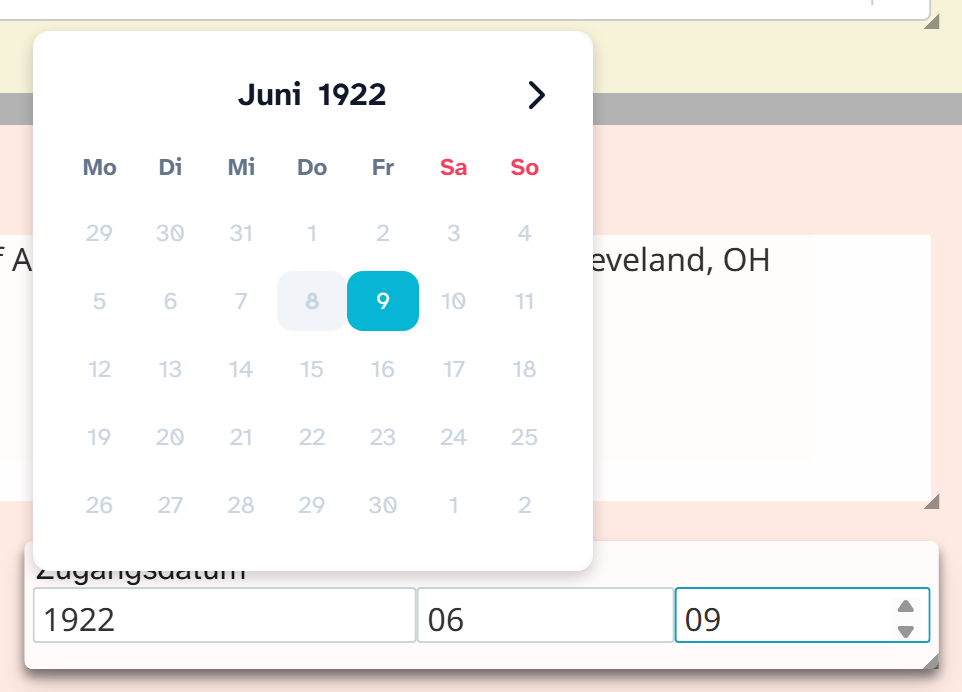
Field type date. It is stored as YYYY-MM-DD, with missing parts as 00. Data entry from the
cataloguer’s side is described under Date .
Parameters
| Key | Values | If omitted | Effect |
|---|---|---|---|
year | true, false | true | Show and edit the year |
month | true, false | true | Show and edit the month |
day | true, false | true | Show and edit the day |
calendar.lang | Language code, for example de-DE | interface language | Language of the month and weekday names |
show_relative | true, false | false | Shows the distance from today next to it, for example “3 days ago” |
A year-only field for dating:
JSON{ "month": false, "day": false }
Parts that are switched off stay 00 in the stored value. A year field therefore remains comparable with
complete dates in other fields.
The display format (DD.MM.YYYY, D Month YYYY and others) is not a property of the field. Each person
chooses it in their own view settings .
Formatting
The field type comes with Date DD.MM.YYYY. Missing parts are dropped (03.2026, 2026), and an
empty date gives an empty text. The formatting is not preselected anywhere: the views then follow each
person’s own setting. See Formatting .
When another field type fits
| Need | Field type |
|---|---|
| Time without a date | Time |
| Date and time as one point in time | Date and time |
| Period with start and end, dating with a wording, date of a procedure | An event . It holds dating, participants and a note together |