
Field types
Image
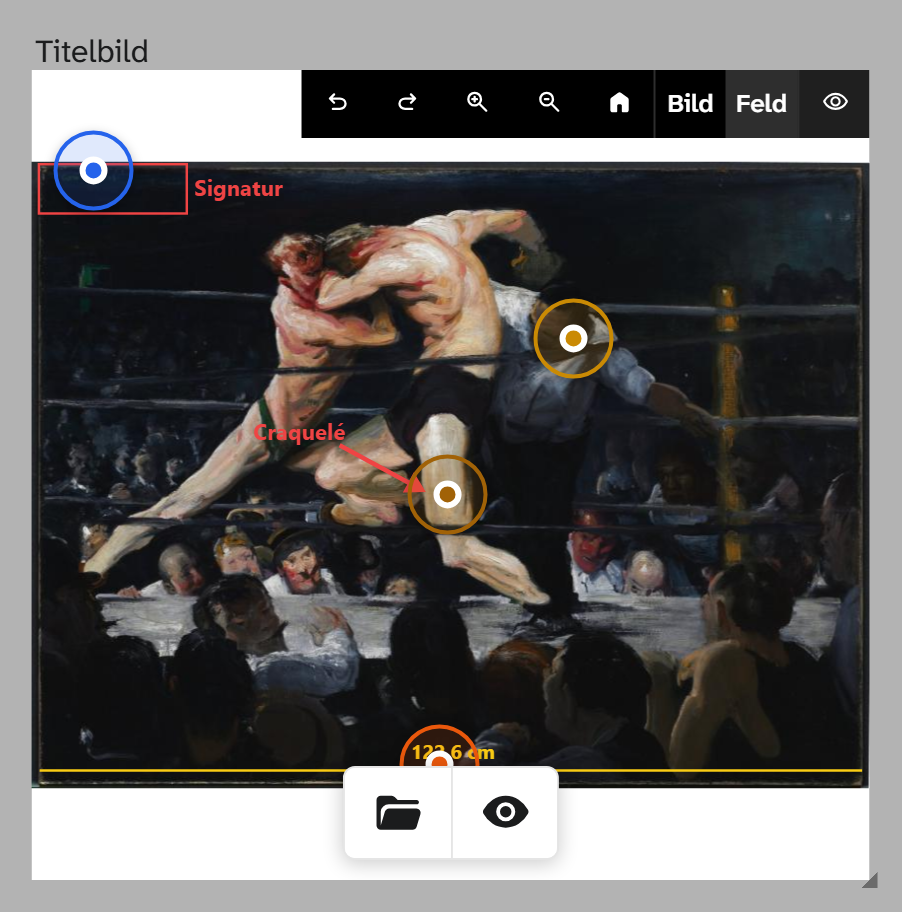
Field type image. An image on the object; what is stored is the identifier of the file. Data entry from
the cataloguer’s side is described under Image .
Parameters
None. The field cannot restrict the choice to particular formats, keywords or rights information. That is what file areas are for, which are defined through such filters. See File library .
A file role can be assigned to the field as a prefilter, as with the file field : Select file then shows the images with this keyword first, but any image can be chosen.
Subfields
The details of the file are available in filters, in the Excel export and in templates as Feldname~unterfeld:
~id, ~extension, ~text, ~keywords, ~kind, ~description, ~creator, ~copyright, ~copyright_owner, ~published_at, ~resolution, ~width, ~height, ~size, ~uploaded_at
In addition there are ~modifier1 to ~modifier3 with the details of the image editing. In a template
they produce nothing readable. The field selection groups the subfields under their field.
Formatting
The field type comes with File title: the text of the file, otherwise its description, otherwise the
identifier with extension. It is preselected in the gallery, table and kanban; the export stays raw. file, 3d, audio, video and panorama have the same formatting. See Formatting .