
Field types
File
Field type file. A file in any format; what is stored is the identifier of the file. Data entry from the
cataloguer’s side is described under File .
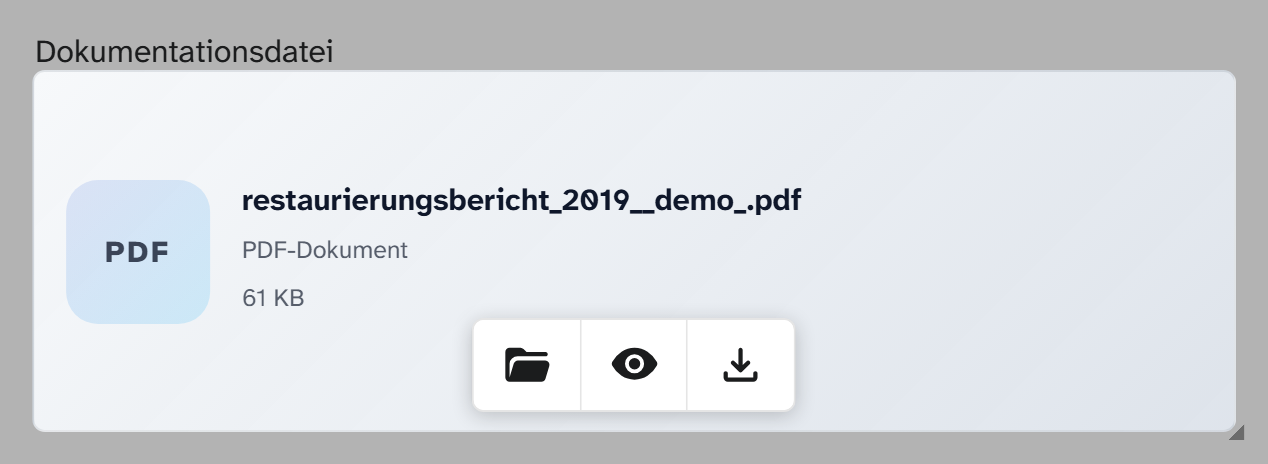
Parameters
None. The field cannot restrict the choice to particular formats.
File role as a prefilter
In the field dialog, file fields have the section Link · Files. Under Type (all projects) you choose a file role ; per project it can be overridden or switched off with No link. The role is only a prefilter: Select file first shows the object’s files with this keyword, and the switch Only next to it lifts the filter. The field writes nothing to the file, and no link with a role is created.
Subfields
The same as for the image field : ~id, ~extension, ~text, ~keywords, ~kind, ~description, ~creator, ~copyright, ~copyright_owner, ~published_at, ~resolution, ~width, ~height, ~size, ~uploaded_at, plus ~modifier1 to ~modifier3.
Formatting
File title, preselected in the gallery, table and kanban, raw in the export. See Formatting .
Older media field types
audio, video and panorama appear in the selection when you create a field with the note “no input
form yet”. Such a field only shows a locked text box with the raw value. Like file, they store an
identifier. Switching them to file under Basics therefore leaves the values untouched; afterwards the
file dialog plays audio and video and shows panoramas in the panorama viewer.
The same applies to 3d: switching between 3d and file changes only the display. See 3D .
When another field type fits
If the field should appear as an image tile with the image studio: Image . If the value points to something outside the institution: Link . For any number of attachments: a file area in the layout.