
Field types
Link
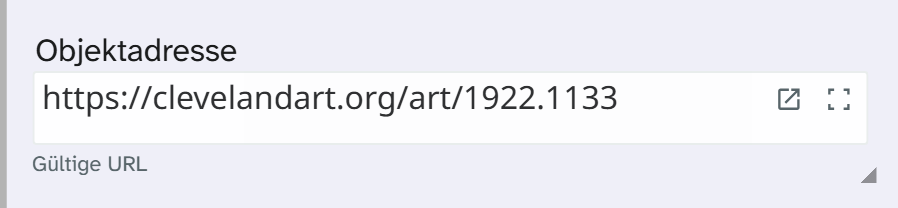
Field type link. A web address, stored as text. It is checked when displayed, not when saved.
Data entry from the cataloguer’s side is described under Link .
Parameters
| Key | Values | If omitted | Effect |
|---|---|---|---|
placeholder | String | empty | Placeholder in the empty field |
check_syntax | true, false | true | Checks the spelling and shows the status |
check_reachable | true, false | false | Tries to reach the page. From the browser this is only an indication |
auto_protocol | true, false | true | Puts https:// in front of a bare domain |
allow_relative | true, false | false | Allows relative addresses |
allowed_protocols | List | http:, https: | Permitted protocols. Anything else counts as invalid |
embed | none, inline, dropdown, modal | none | Preview: none, in the field, expandable, in a window |
preview_height | Number | 320 | Height of the embedded preview in pixels, limited to 160 to 1200 |
modal_size | medium, large, fullscreen | large | Size of the preview with embed: modal |
JSON{
  "allowed_protocols": ["https:", "mailto:"],
  "embed": "modal",
  "modal_size": "large"
}
allowed_protocols is the place for mailto:, ftp: or protocols of your own applications. Older fields
carry the check switches as checkUrl with valid and reachable; that form is still read.
With embed: dropdown the preview expands below the field:
JSON{
  "check_syntax": true,
  "allowed_protocols": ["http:", "https:"],
  "embed": "dropdown",
  "preview_height": 420
}
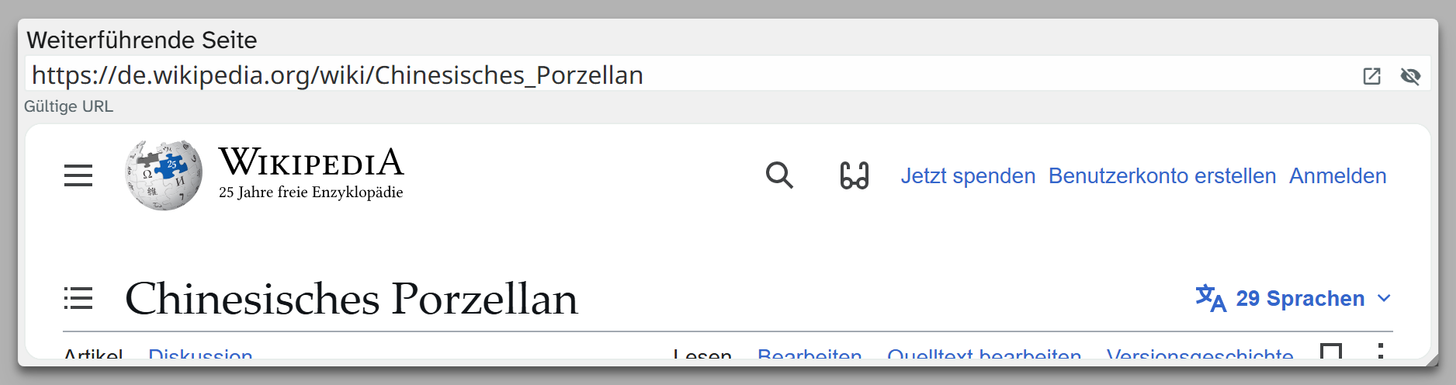
embed: inline is worthwhile when the content is needed while cataloguing. Many websites forbid
embedding; the preview then stays empty. When in doubt, use none.
Formatting
The field type comes with two formattings, neither of them preselected anywhere, because a shortened link can no longer be clicked:
| Formatting | Identifier | Result |
|---|---|---|
| Without protocol | standard | Scheme and trailing slash are dropped |
| Domain only | domain | Only the host name, without www. |
See Formatting .
When another field type fits
If the address points to a file that belongs to the object: File . The file is then kept in-house, with preview, rights information and history. If the address is built from an identifier in another field: a template field or a virtual field .