
Field types
Link
A field for a web address. It checks the spelling, makes the value clickable and can, if you like, show the page directly in the layout.
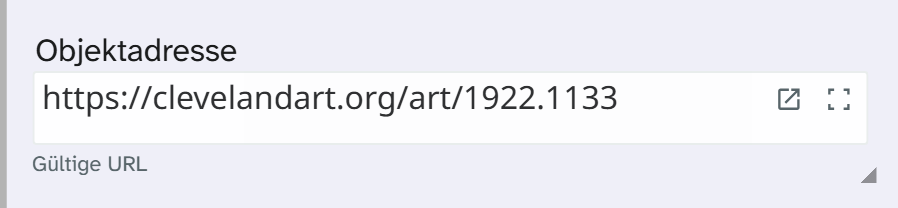
Input
Type or paste the address. For a bare domain such as museum-beispiel.de the field usually adds https://. A hint on the field shows whether the spelling is correct.
The check warns, it does not block. An address marked as invalid is saved as well. If the administration has also switched on the reachability check, its result is only an indication: many websites do not allow the check from the browser.
Opening and preview
The open button shows the page in a new tab. Depending on the setup there is also a preview:
| Preview | Behaviour |
|---|---|
| None | Only opening in a new tab |
| In the field | The page is always shown below the field, for example a viewer for a digitised item |
| Expandable | The page only appears on a click. If the tile is lower than the preview, the preview gets smaller; the address stays fully readable |
| In a window | The page opens in a dialog |
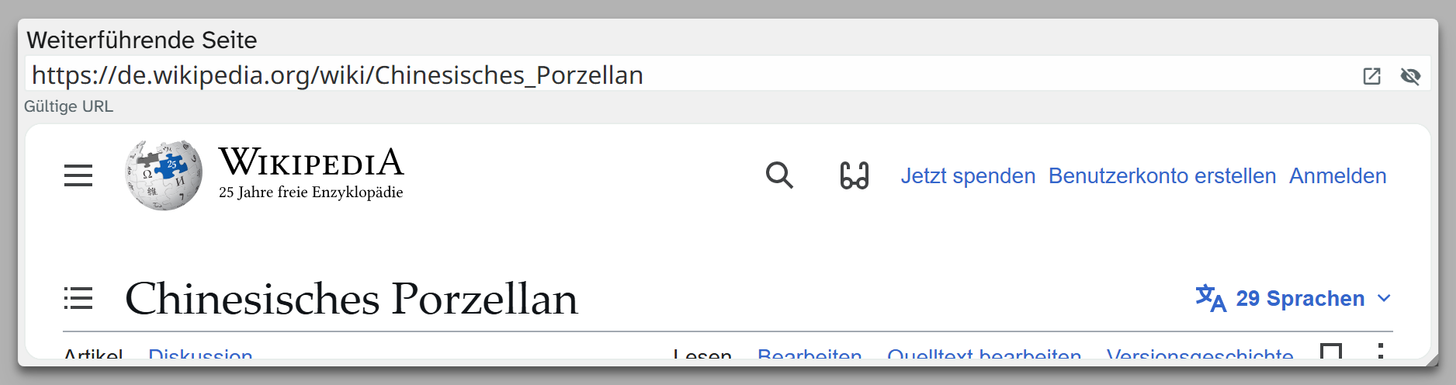
If the preview stays empty although the link works, the target website does not allow embedding. That is down to the target website. The open button still works.
Searching, sorting, editing
| Action | Behaviour |
|---|---|
| Full-text search | Yes, on the address |
| Filter | All text operators. Contains with a domain name is the usual pattern |
| Sorting | Alphabetical |
| Bulk edit | All text tools. Search and replace can, for example, rewrite a domain that has moved |
Display and export
| Formatting | Result for https://www.museum-beispiel.de/objekt/12345/ |
|---|---|
| Raw value | https://www.museum-beispiel.de/objekt/12345/ |
| Without protocol | www.museum-beispiel.de/objekt/12345 |
| Domain only | museum-beispiel.de |
“Domain only” suits source references. Neither shortened form is clickable any more, so neither is preset anywhere. You choose in the view settings or in the Excel export . A clickable link in a Word template is described in the template syntax .
Setup
Checks, allowed protocols and preview are set by the administration. See Configuring links .