
Field types
File
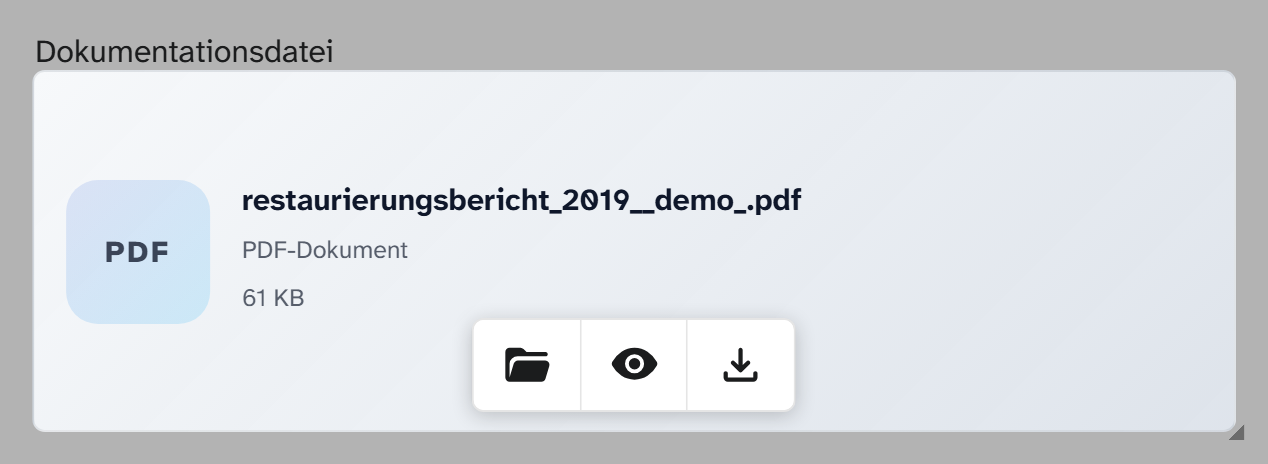
One file on the object, in any format: loan agreement, condition report, drawing, sound recording, video, panorama, 3D model. The field recognises the kind of file and chooses the matching preview.
Input and preview
Dragging a file onto the field is enough: it is uploaded and assigned to the field straight away, see Upload files . A click opens the file dialog, and what it shows depends on the kind of file:
| Kind | In the file dialog |
|---|---|
| Image, PDF, multi-page TIFF | Preview, across all pages if there are several |
| Audio, video | Playback. See Supported formats |
| Panorama | Panorama viewer |
| 3D model | 3D view with dimensions, markers and a measuring tool |
| other | Download |
What is stored
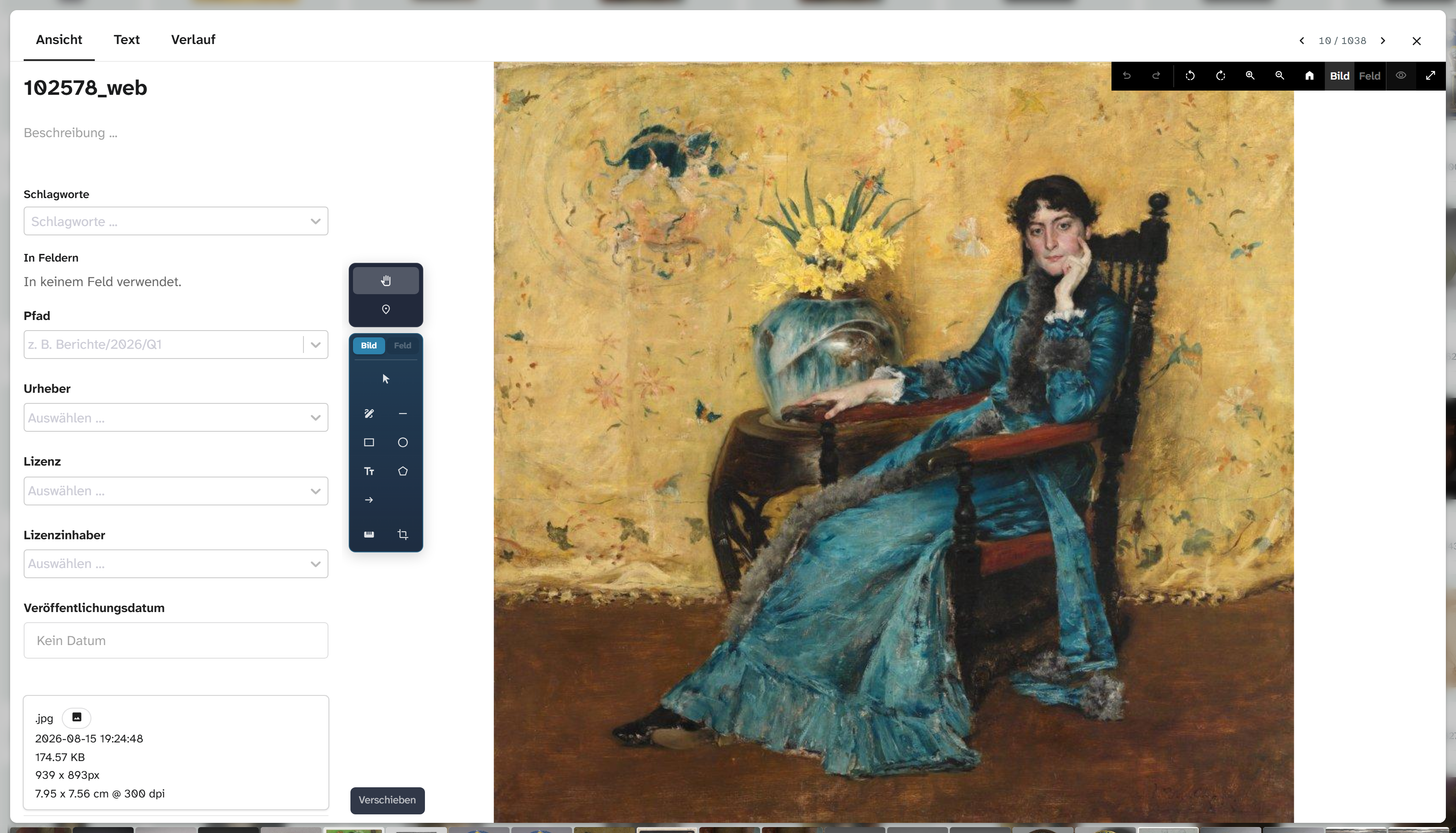
A reference to the file in the file library . Everything else is attached to the file itself and therefore applies on every object that uses it:
| Detail | Meaning |
|---|---|
| Text | A freely chosen title, usually used as a meaningful file name |
| Description | Description of the file |
| Keywords | Categorisation, including the file role (for example Hauptbild, main image); controls which file areas the file appears in |
| Creator, copyright, rights holder | Rights details |
| Published, uploaded | Dates |
| Kind, extension, size, width, height | Technical details |
| Action | Behaviour |
|---|---|
| Filter | equals with an empty search term finds objects without a file. The file’s details can be filtered as subfields |
| Sorting | Not useful |
| Bulk edit | Replace and clear |
Field or file area
| Image field | File field | File area | |
|---|---|---|---|
| Number | one | one | any number |
| Formats | displayable ones | all | all, according to a filter |
| Fixed role | yes | yes | no |
| Field permissions | yes | yes | no, visible to everyone with read access to the project |
A loan agreement is a file field, all invoices is a file area with a keyword filter. A file area also shows the files from the object’s fields, but only from fields you are allowed to read. If you detach a file from the object in the file area, this also clears the object’s file fields that hold it; the dialog lists them beforehand. See Detach from object .
Choosing by file role
If a file role is assigned to the field, Select file opens with the switch Only followed by the name of the role: the list first shows the files of the object that carry this role as a keyword. A click on the switch shows all files of the object. Choosing a file writes nothing to the file, not even the role.
Display and export
| Formatting | Preset in | Result |
|---|---|---|
| Raw value | Export | Identifier and details of the file |
| File title | Gallery, table, kanban | The file’s text, otherwise the description, otherwise identifier and extension |
The files themselves can be downloaded via the file export . In Word templates they can be reached through the object’s files, see Template variables .
Setup
The field type has no parameters. The file role used for choosing is set in the field dialog under Link. See Configuring files .