
Field types
Text
A text box for a line or a paragraph. The text is stored without formatting and without any practical length limit. Spaces at the start and end are removed when saving; any further conversions are set by the administration in the cleanup .
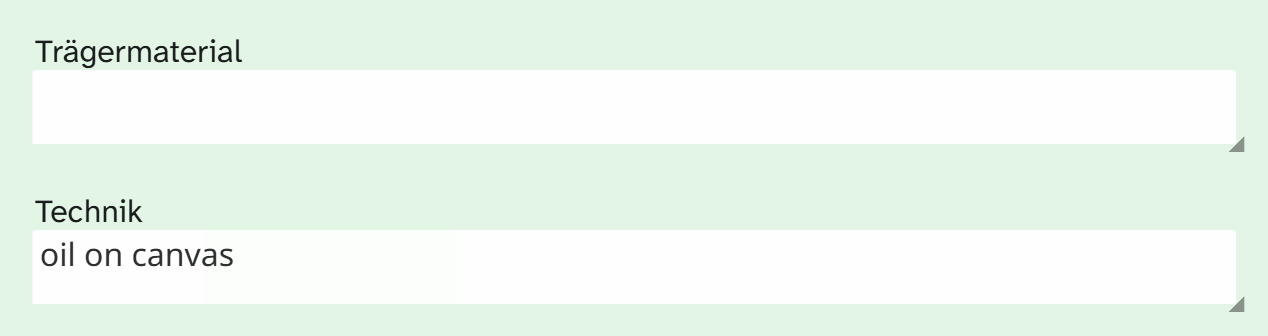
Input
Click into the field and type. The field grows with its content; how much of it you can see without scrolling depends on the size of the tile in the layout (input form). The value is saved when you leave the field.
With speech input set up, you can dictate into the field, using the microphone on the right of the field or a key combination you hold down. The text lands at the cursor position and, like typed text, is saved when you leave the field.
If the administration has set up suggestions, a list appears below the field as you type. A click accepts a suggestion. The suggestions come from a fixed list, from the values this field already has on other objects, or from both.
The list filters after a short pause in typing and shows at most 50 suggestions, with the best match at the top. If there are more, the last line gives their number; typing further narrows the list. This way you can type without lag even with hundreds of different values.
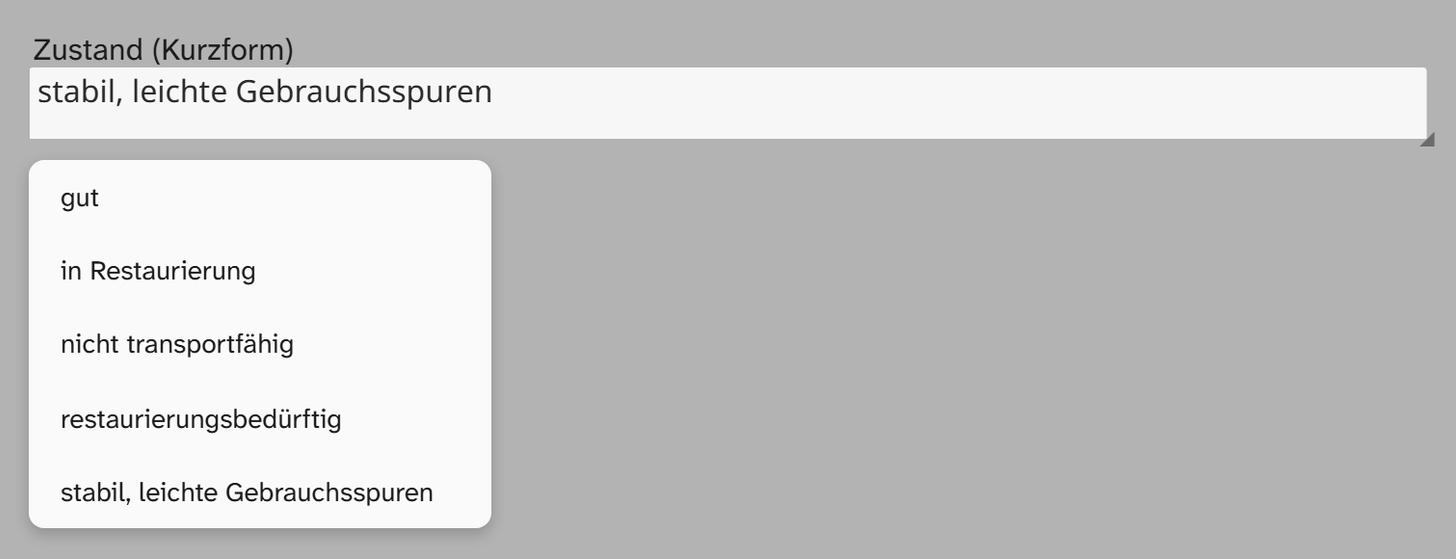
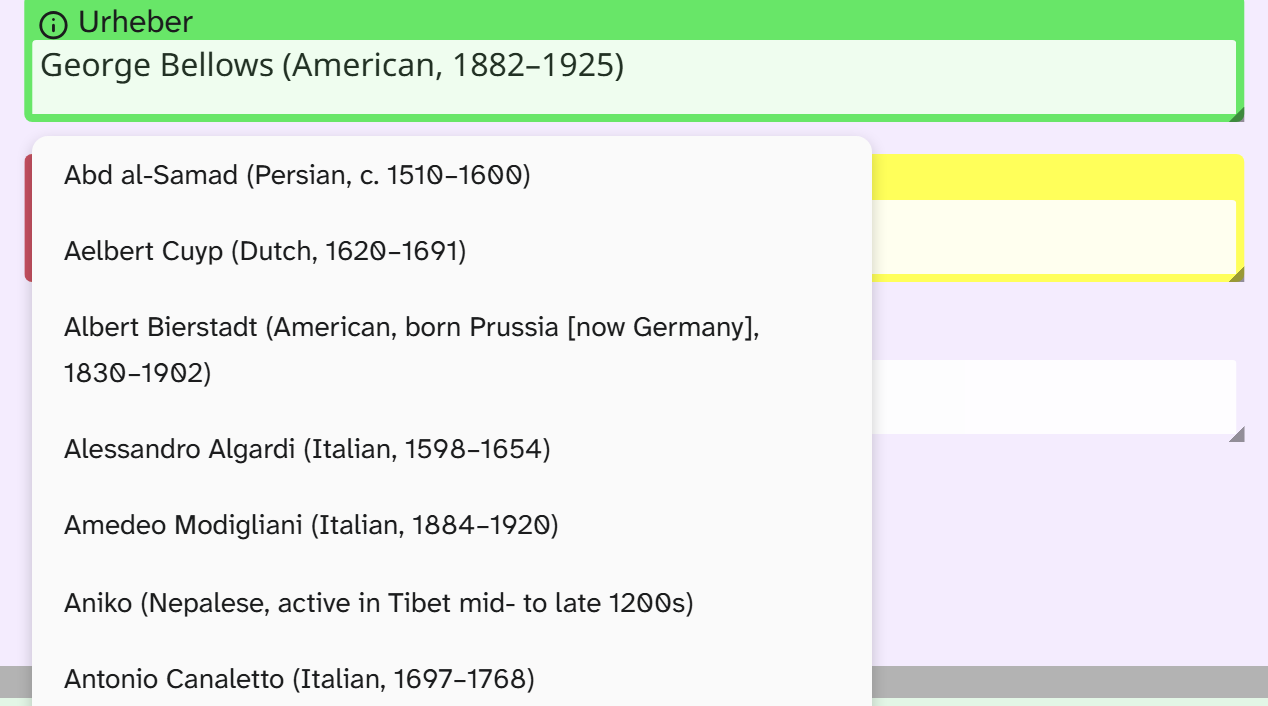
A suggestion is never binding. Any free text is still allowed. The list helps you match the same spelling: if someone has entered Öl auf Leinwand, the next person is offered exactly that form instead of typing Oel auf Leinwand.
For values that may only come from a fixed list there is the select list , and for text with highlighting and lists there is formatted text .
Searching, sorting, editing
| Action | Behaviour |
|---|---|
| Full-text search | Yes |
| Filter | All text operators, including regular expressions |
| Sorting | Alphabetical |
| Grouping | Yes, also split by a separator |
| Bulk edit | Replace, prepend, append, search and replace, upper and lower case, trim, clear |
| Excel import | The cell content is taken over, see Excel import |
Display and export
A text field has no formatting of its own. Views, Excel export and templates show the text as it is stored. How to put it into a Word template is described under Template variables .
Setup
The suggestion list and suggestions from other objects are set up by the administration. See Configuring text .